How to sign in as a student on educify
To sign in as a student on educify, just go on any browser of your choice and type "educify.org".
Then you click on probably the first site which must look like this:
After clicking on the website, you will be assessed to the site and then you click on the 3 row icon at the top left.
It will then take you to the site menu where you will find "sign in" button to click.
Then click on it, after which you will be asked to log in your email details which you have to ignore.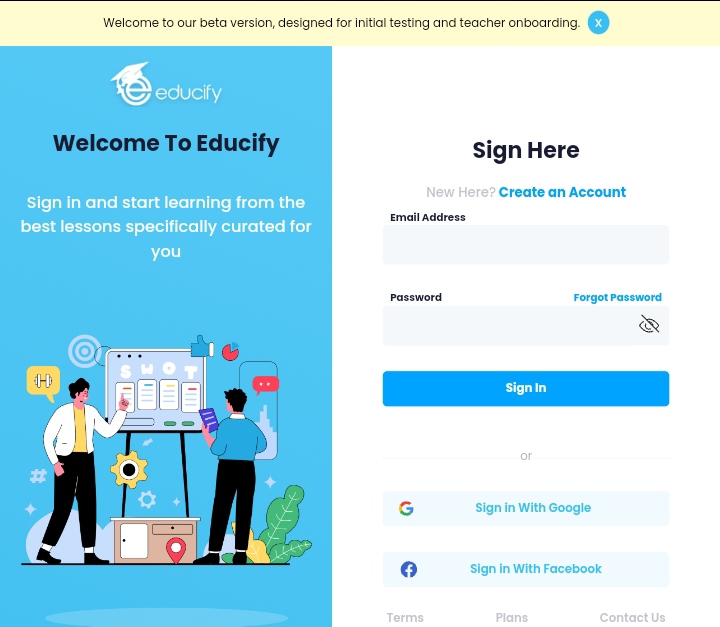
But just go straight to create an account and fill in the details there.
Then when you're done filling all your details click on accept policy and terms and and sign in.
Welcome To Educify!!!!!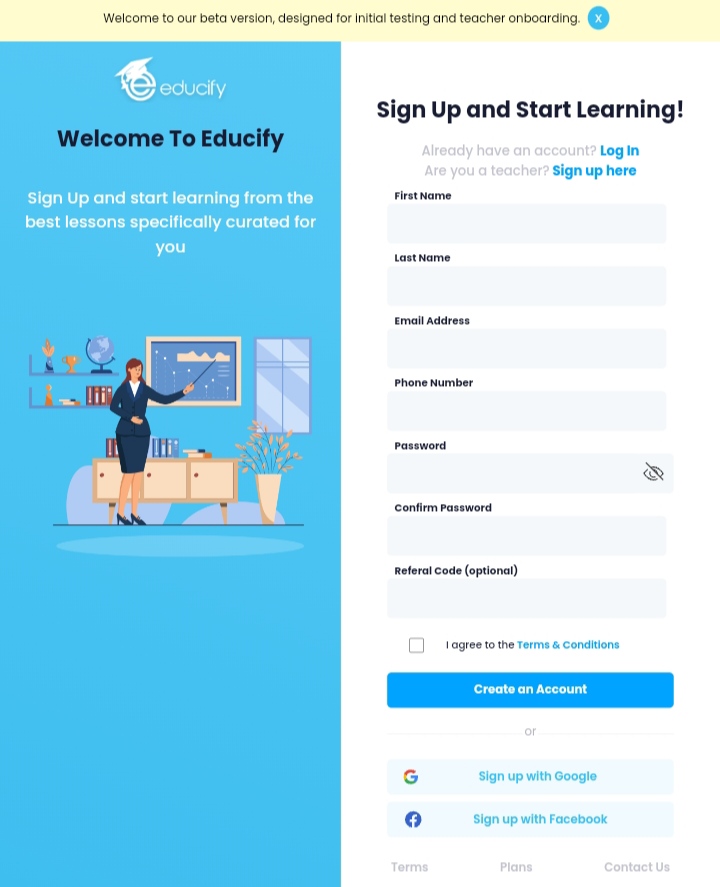
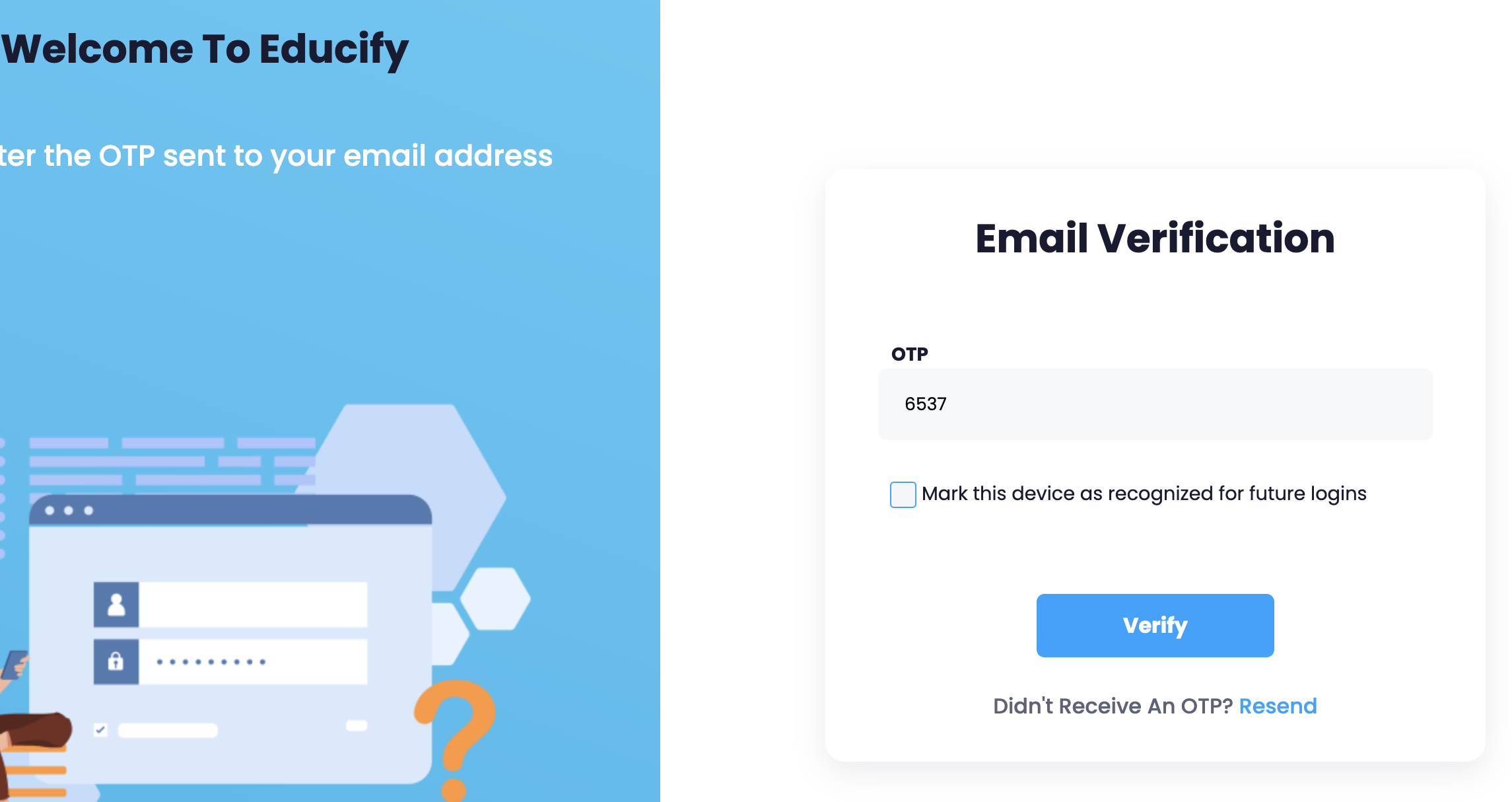
Sometimes, you get an OTP in the email asking you to verify your email. Email verification is important to keep our platform safe for every learner.
Was this article helpful?
That’s Great!
Thank you for your feedback
Sorry! We couldn't be helpful
Thank you for your feedback
Feedback sent
We appreciate your effort and will try to fix the article