How do I find my account or Login into it?
Your logging into your account can be done in two ways;
- Mobile Devices: You can find the login page by clicking on the 3 lines to the LH top of the homepage. Then, you will see the "login" button under the "Become a Teacher" button.

- Desktop Browser: For the desktop, the login button is on top of the page on the header.
 Just clcik it and the "Login" page opens.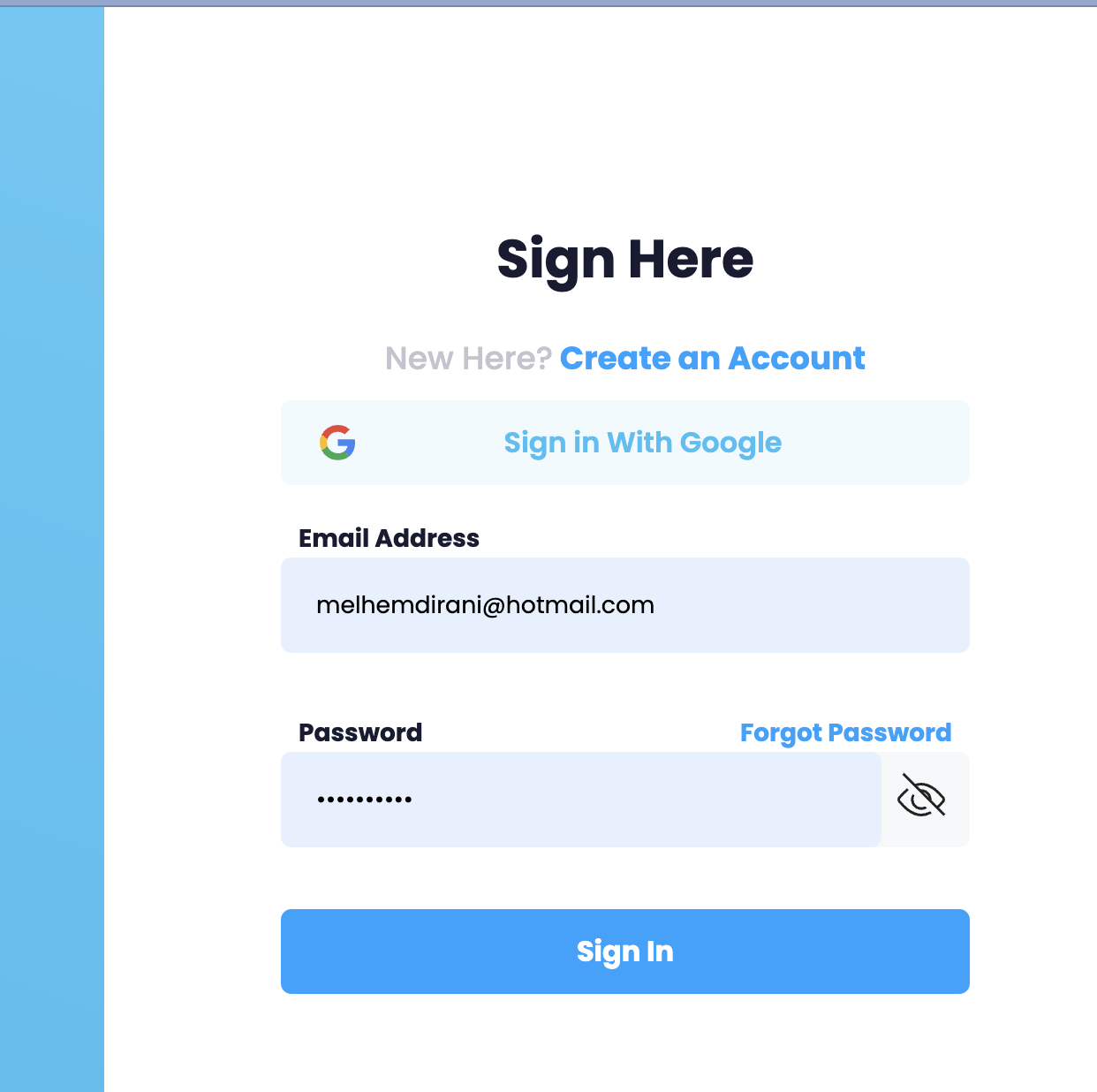
Was this article helpful?
That’s Great!
Thank you for your feedback
Sorry! We couldn't be helpful
Thank you for your feedback
Feedback sent
We appreciate your effort and will try to fix the article